
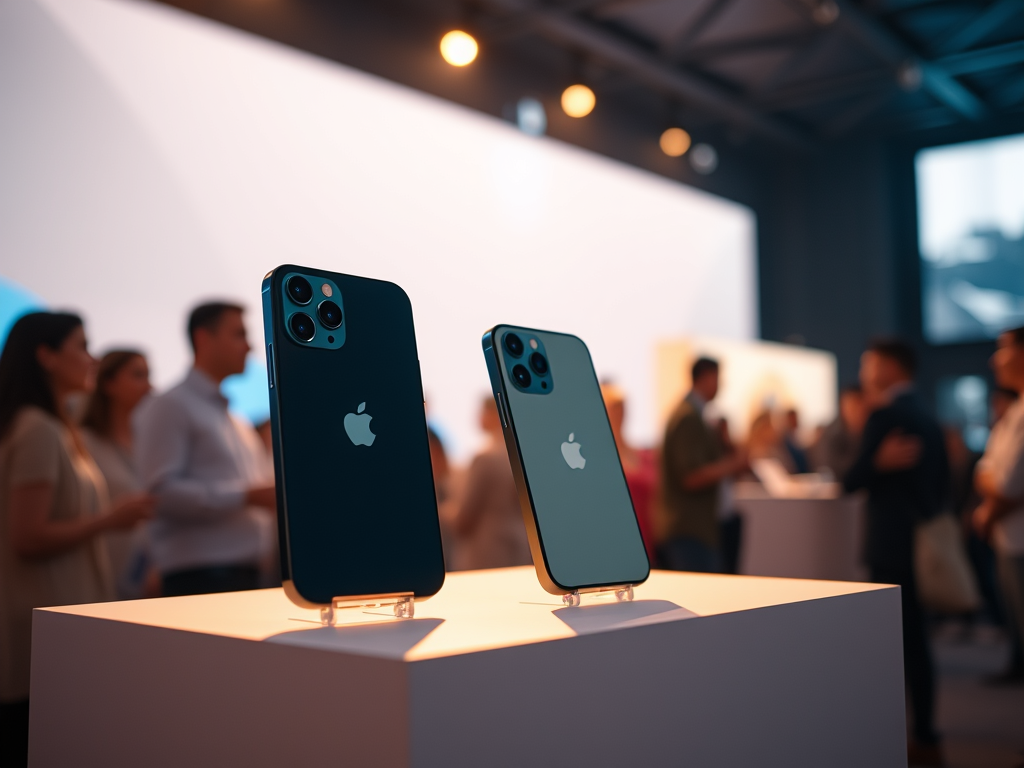

On Monday, Apple introduced its latest iPhone models at a marketing event, and at first glance, they look nearly identical to last year’s versions. However, Apple is betting that what lies beneath — new software powered by what the company calls artificial intelligence — will be enough to convince people to upgrade.
This new suite of A.I. services, dubbed Apple Intelligence, automates tasks such as generating images, rewriting emails, and summarizing web content. According to Apple, only the new iPhone 16s and last year’s iPhone 15 Pro are fast enough to handle this software, leaving older models behind. The iPhone 16, starting at $800, will be available in stores later this month.
But what if you could enjoy these features without upgrading?
Long before Apple’s June announcement of Apple Intelligence, various apps for generating text and images have been widely accessible. These apps use generative A.I., which predicts word and image combinations to create anything from a catchy poem to a realistic picture of a cat on a windowsill. These services have been popular for the past couple of years.
Apple did not respond to a request for comment.
For those who want to keep their older iPhones, many apps can provide similar A.I. functionalities. After testing numerous generative A.I. apps over the past year, I’ve compiled a list of recommendations.
Text Summarization
One of the most anticipated features of Apple Intelligence is its ability to condense large blocks of text into brief summaries, which can be handy for breaking down lengthy articles or lecture notes.

However, a well-known tool already does this: Arc Search, a free browser developed by a startup. When I tested it on an 8,000-word article from ProPublica about a whistleblower at 3M, the app generated a one-sentence summary, followed by three bullet points highlighting the key points. Although the summary missed some crucial details, it was accurate.
For summarizing academic notes, the free web app Humata AI is popular among researchers and lawyers. By uploading documents like PDFs on Humata.ai, you can ask its chatbot to summarize important points. The chatbot will then highlight the relevant portions in the digital PDF.
Writing Assistance
Apple Intelligence also offers tools to help users rewrite text, such as refining an email to sound more professional. But several free apps can handle this task just as effectively.

Among the most popular are OpenAI’s ChatGPT, Google’s Gemini, and Microsoft’s Bing AI, all available on the App Store. Simply paste the text into one of these apps and ask the chatbot to rewrite it in a different tone. For example, you could request, “Make this email sound friendlier for a longtime client.”
While ChatGPT faces legal battles with The New York Times over using copyrighted material, I prefer using Wordtune from AI21 Labs. Available on wordtune.com, its interface is designed for editing and composing text. You can easily modify sentences to sound more formal or casual, and the app offers several options for each rewrite.
Image Generation
Another exciting feature of Apple Intelligence is the ability to create fun images, like an emoji of yourself eating pizza to send to friends.
But there are plenty of alternatives for generating images, including one that many iPhone users likely already have: Meta AI. Available inside Instagram and WhatsApp, you can use the “/imagine” command in the search bar to create images. When I typed “/imagine me eating steak,” Meta AI created an amusing, albeit clearly artificial, image of me savoring a steak in a restaurant.
Other tools like Adobe Firefly, available at firefly.adobe.com, and ChatGPT can also generate images based on your prompts.
Photo Editing
Lastly, Apple Intelligence boasts a new tool to automatically remove unwanted objects from photos with a single tap.


Google’s Magic Eraser, available in the Google Photos app for both iPhone and Android users since 2023, offers a similar feature. By selecting a photo and tapping the edit button, you can use the Magic Eraser tool to circle and remove distractions from the image.
I tested Magic Eraser on a picture of my corgi, Max, at a dog park, erasing a citation form issued by a police officer for letting Max run off-leash. The tool replaced the form with some pine needles, seamlessly removing the unwanted element.




Leave a Reply